Self-hosting without the guesswork.
Run your own apps, media and services with practical guides tested on real hardware.
- ✓ Tested on real hardware
- ✓ Practical configurations
- ✓ Beginner-friendly
New to self-hosting?
Your first self-hosted server, step by step. Every step links to a guide that has actually run in our lab.
We test it before we tell you to run it.
Every setup is tested on real hardware before we publish it. Same hardware class you would run at home — not a spec sheet.
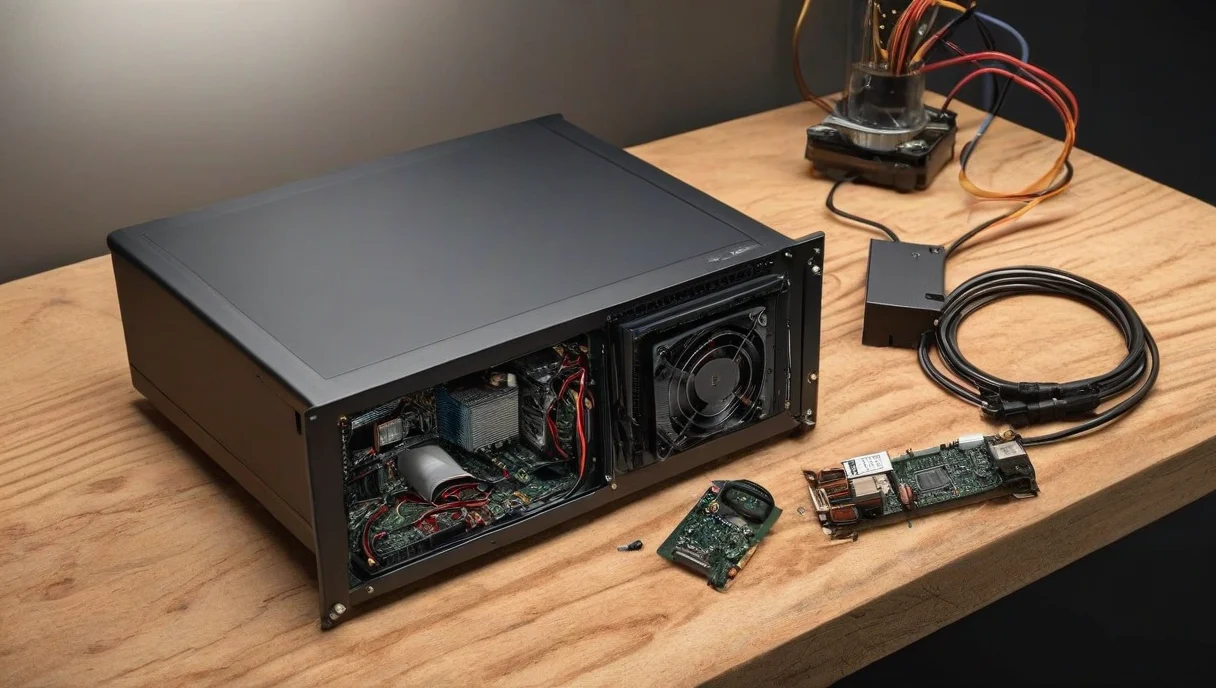
Real hardware
Not just theoretical configurations. Guides run on the same boxes you would buy.
Working setups
Practical, reproducible configurations — copy-paste compose files that work.
No unnecessary complexity
Only add complexity when it actually solves a problem. Simplest setup that does the job.
What do you want to self-host?
Pick what you want to run. Each door leads to a guide or section that has been tested in our lab.
 🎵
Music
Stream your own library, anywhere
Explore →
🎵
Music
Stream your own library, anywhere
Explore →
 🎬
Movies & TV
Your own media server, no subscription
Explore →
🎬
Movies & TV
Your own media server, no subscription
Explore →
 📰
RSS & News
A private feed reader for everything you follow
Explore →
📰
RSS & News
A private feed reader for everything you follow
Explore →
 📚
Knowledge
A private wiki for notes and docs
Explore →
📚
Knowledge
A private wiki for notes and docs
Explore →
 🏠
Home services
Hubs and helpers for the house
Explore →
🏠
Home services
Hubs and helpers for the house
Explore →
 🐳
Docker & Linux
Containers, compose files and the OS itself
Explore →
🐳
Docker & Linux
Containers, compose files and the OS itself
Explore →
 🔐
Security
SSH, firewalls and network isolation
Explore →
🔐
Security
SSH, firewalls and network isolation
Explore →
 💾
Storage & Backups
Drive choices and the 3-2-1 rule
Explore →
💾
Storage & Backups
Drive choices and the 3-2-1 rule
Explore →
Your first self-hosted stack
Don’t install 40 apps on day one. Start with a few useful services — add more when you need them.
Not sure what hardware you need?
Raspberry Pi, mini PC or old desktop? You do not need a big server to start — here is how the three realistic options compare.
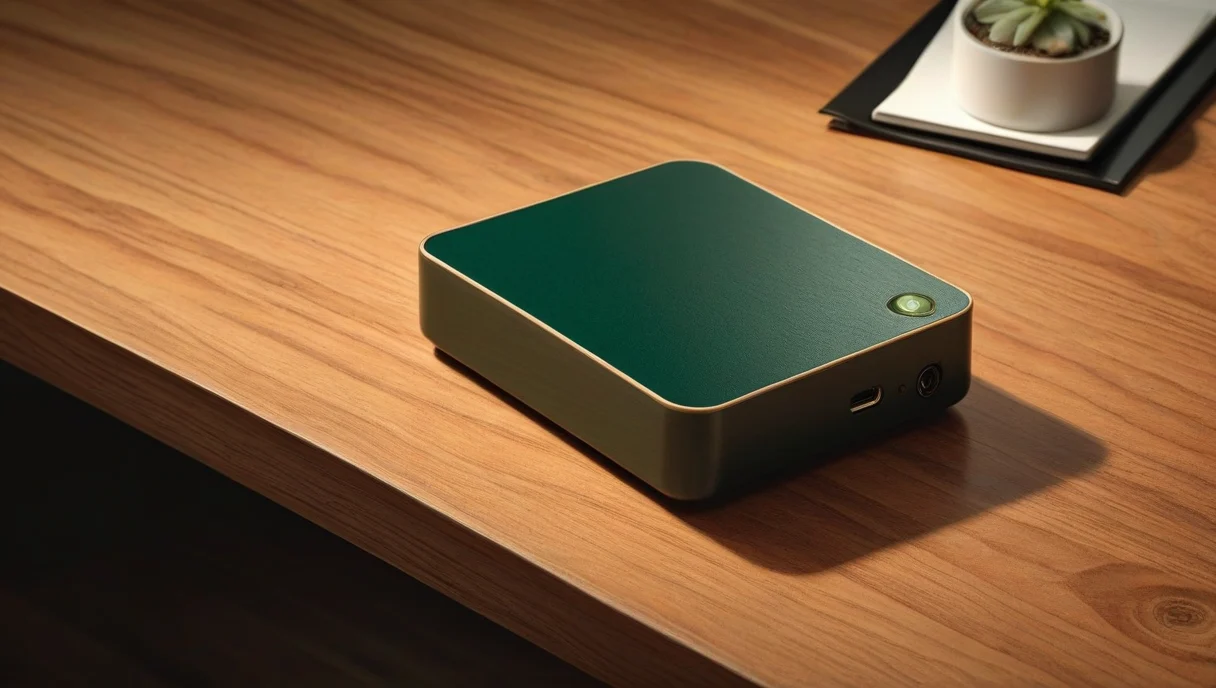 LOWEST POWER
Raspberry Pi
Low power · beginner friendly
LOWEST POWER
Raspberry Pi
Low power · beginner friendly
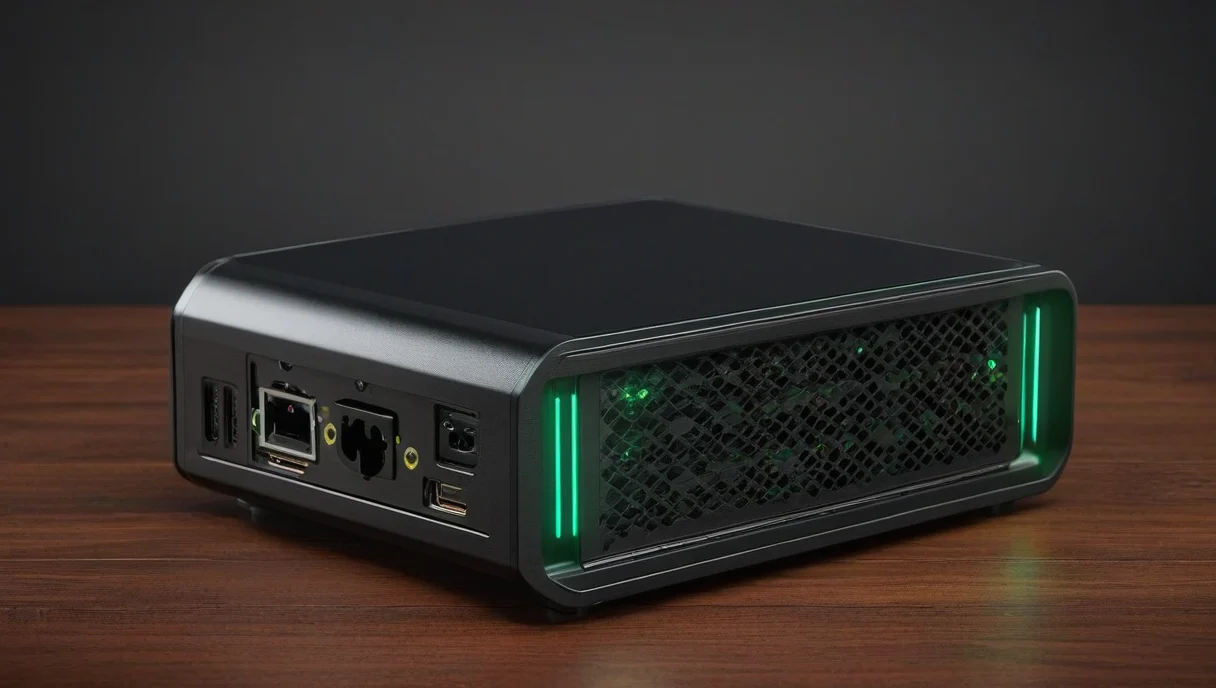 BEST ALL-ROUNDER
Mini PC
Best all-rounder · our default pick
BEST ALL-ROUNDER
Mini PC
Best all-rounder · our default pick
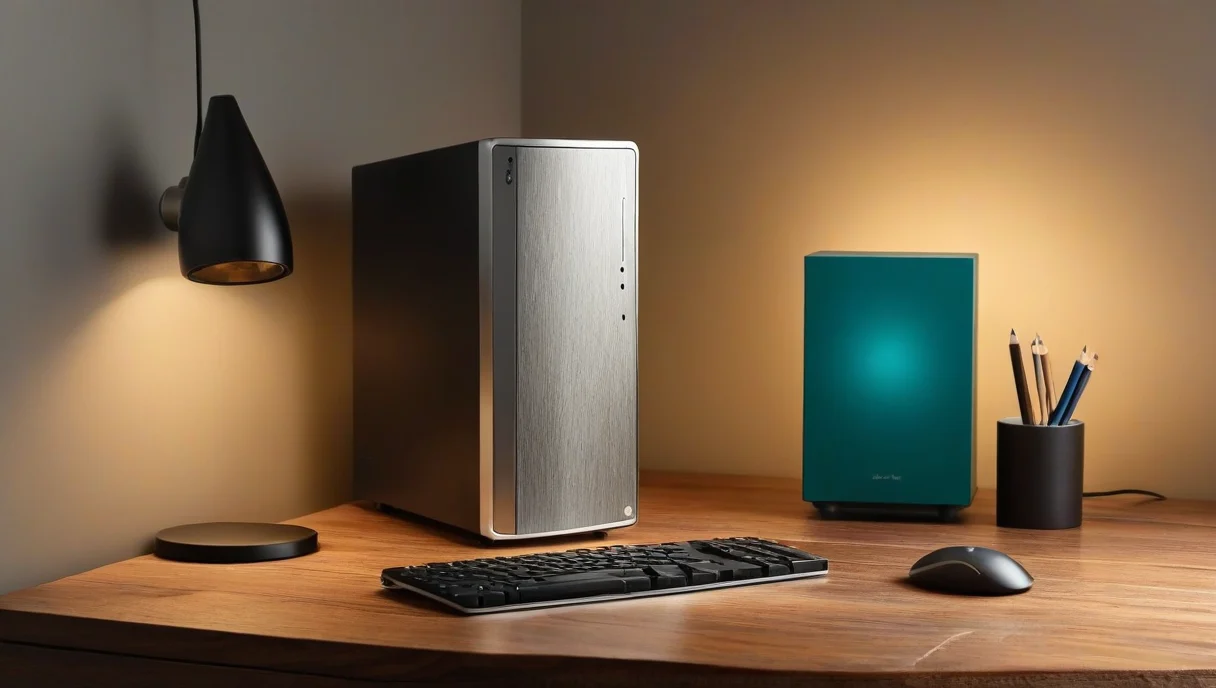 MAX FLEXIBILITY
Old Desktop
Maximum flexibility · upgrade path
MAX FLEXIBILITY
Old Desktop
Maximum flexibility · upgrade path
The guides we’d start with
Not the most popular — the ones we would actually follow, in this order.
 BEGINNER
The Self-Hosting Starter Guide
From a blank Linux machine to a working home server
MUSIC
Navidrome in Docker
Your own music streaming server for your library
MEDIA
Jellyfin in Docker
A self-hosted media server for movies and TV
HARDWARE
What Hardware for a Home Server?
Raspberry Pi vs mini PC vs desktop, with real benchmarks
SECURITY
Secure Your Home Server
SSH keys, firewall rules and Docker network isolation
DOCKER
Docker & Linux guides
Containers and compose files, explained practically
BEGINNER
The Self-Hosting Starter Guide
From a blank Linux machine to a working home server
MUSIC
Navidrome in Docker
Your own music streaming server for your library
MEDIA
Jellyfin in Docker
A self-hosted media server for movies and TV
HARDWARE
What Hardware for a Home Server?
Raspberry Pi vs mini PC vs desktop, with real benchmarks
SECURITY
Secure Your Home Server
SSH keys, firewall rules and Docker network isolation
DOCKER
Docker & Linux guides
Containers and compose files, explained practically
What are you trying to do?
Answer in one line and we’ll take you to the right place.